TUTORIAL
How to Fill Out Facts
What is the facts screen?
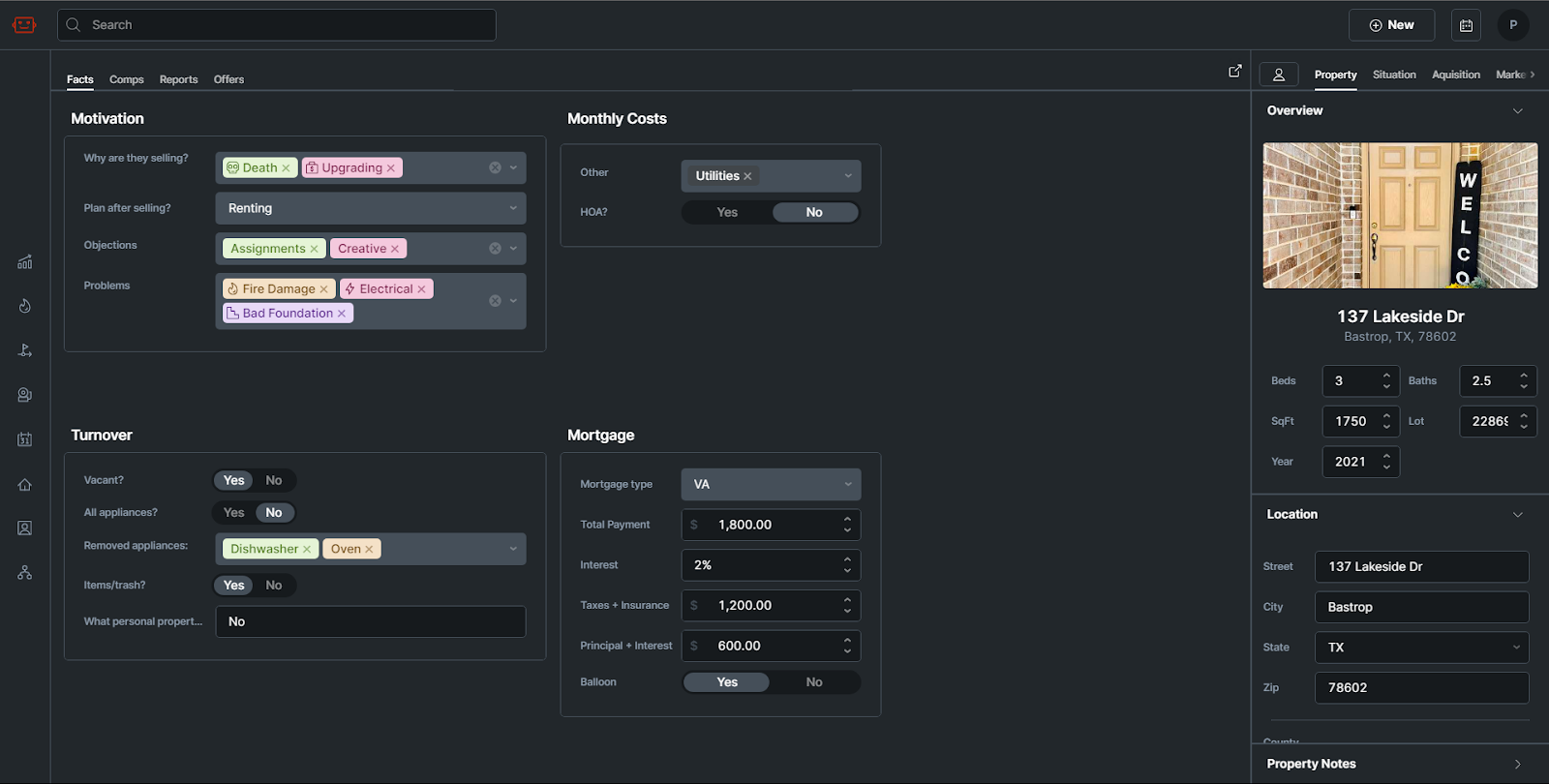
The facts tab is a screen inside Qualify where property information, such as photos, costs, mortgage information, and motivation, are stored.
What is it used for?
The details here are used to gain and store an understanding of the homeowner’s situation, as well as things that should be considered with the property. Some of the details are also used by Effie when drafting Offer Emails.
Layout
-
Motivation
-
Monthly Costs
-
Turnover
-
Mortgage
Motivation
The motivation panel is for capturing the reasons behind the seller wanting to sell, their plans after selling and any problems with the property or objections the seller may have.
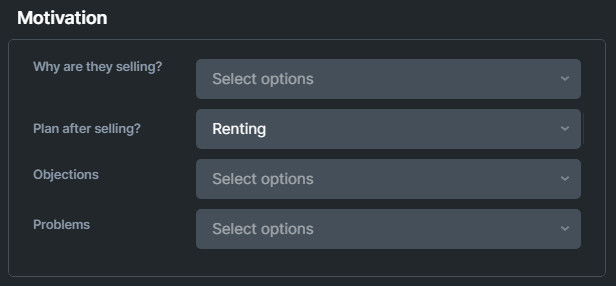
Why are they selling?
Select the options that explain their selling motivation. You can select multiple options.
Plan after selling?
Select what the seller plans on doing once the home is sold. For example, are they moving somewhere else, renting, or moving in with family?
Objections?
List any objections the seller might have about working with you. They might be against creative offers, or about assignments. You can select multiple options.
Problems?
Select any and all problems with the property, such as bad flooring, AC, etc.
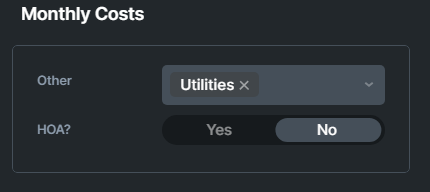
Monthly Costs
Monthly costs affect cashflow and other numbers on deals. Collect any extra monthly costs here, and set if the property is or isn’t in an HOA.
Turnover
The motivation panel is for capturing the reasons behind the seller wanting to sell, their plans after selling and any problems with the property or objections the seller may have.
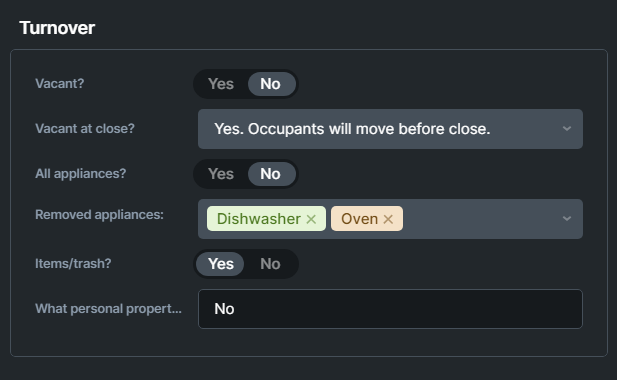
Vacant?
Select if the property is currently vacant or not.
Vacant at Close?
If you chose that the property is Not vacant, you will need to select one of three options:
-
Yes. Occupants will move before close.
-
No. Occupants will sign a new lease.
-
No. Occupants will move after close.
All appliances?
Choose if the property is being sold with all of it’s appliances or not.
Removed appliances
If you chose No on All Appliances, select which appliances will be removed from the home before closing.
Items/trash
Choose if any items or trash need to be removed before closing.
Personal Property
If you chose yes to Items/Trash, write here what items need to be removed before closing.
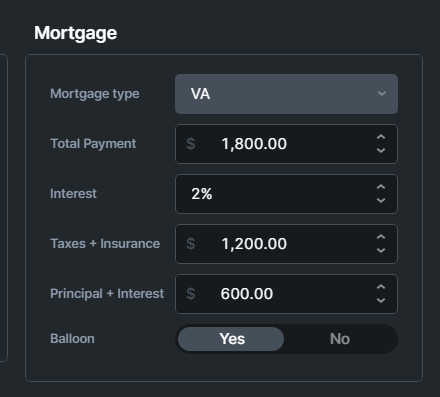
Mortgage
This is where you fill out mortgage information the agent discusses with you early on. It’s okay if the information here isn’t 100% accurate, it’s just to quickly get a ballpark. You’ll collect the actual mortgage statement and fill that information out in a later step.